
Choose devices to scan tickets, look up guests by name and send badges to a print station.
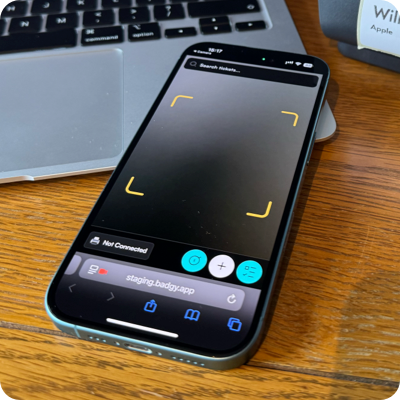
A check-in device lets staff scan a ticket or look up an attendee by name, then check them in and send their badge to a print station.
Several check-in devices can share the same online print station.
Devices
Section titled “Devices”Use a phone, tablet or laptop with a modern browser. A camera lets staff scan QR codes. On a device without a camera, use name search instead. If Disable attendee search is on for the event, use a computer for name lookup.
Internet
Section titled “Internet”Open the event and let the attendee list load while you’re online. If the connection drops, keep the event page open. Badgy can save staff check-ins on that device and sync them when it reconnects. Sending badges to a shared printer still needs a connection. See Event Day Troubleshooting.
Battery
Section titled “Battery”Fully charge your check-in devices before doors open. Scanning drains the battery, so keep a few backup devices ready.